Ghostwriter for VS Code: your AI interviewer in your editor
Last week, I was experimenting with the GitHub Copilot SDK to see how to use it within an Electron app. That experiment led to the creation of the standalone Ghostwriter App. But as I was building it, I realized something important.
Why leave the editor?
Most of us live in Visual Studio Code. Switching context to a separate app just to draft a blog post feels like friction we don’t need. So, I decided to minimize that friction.
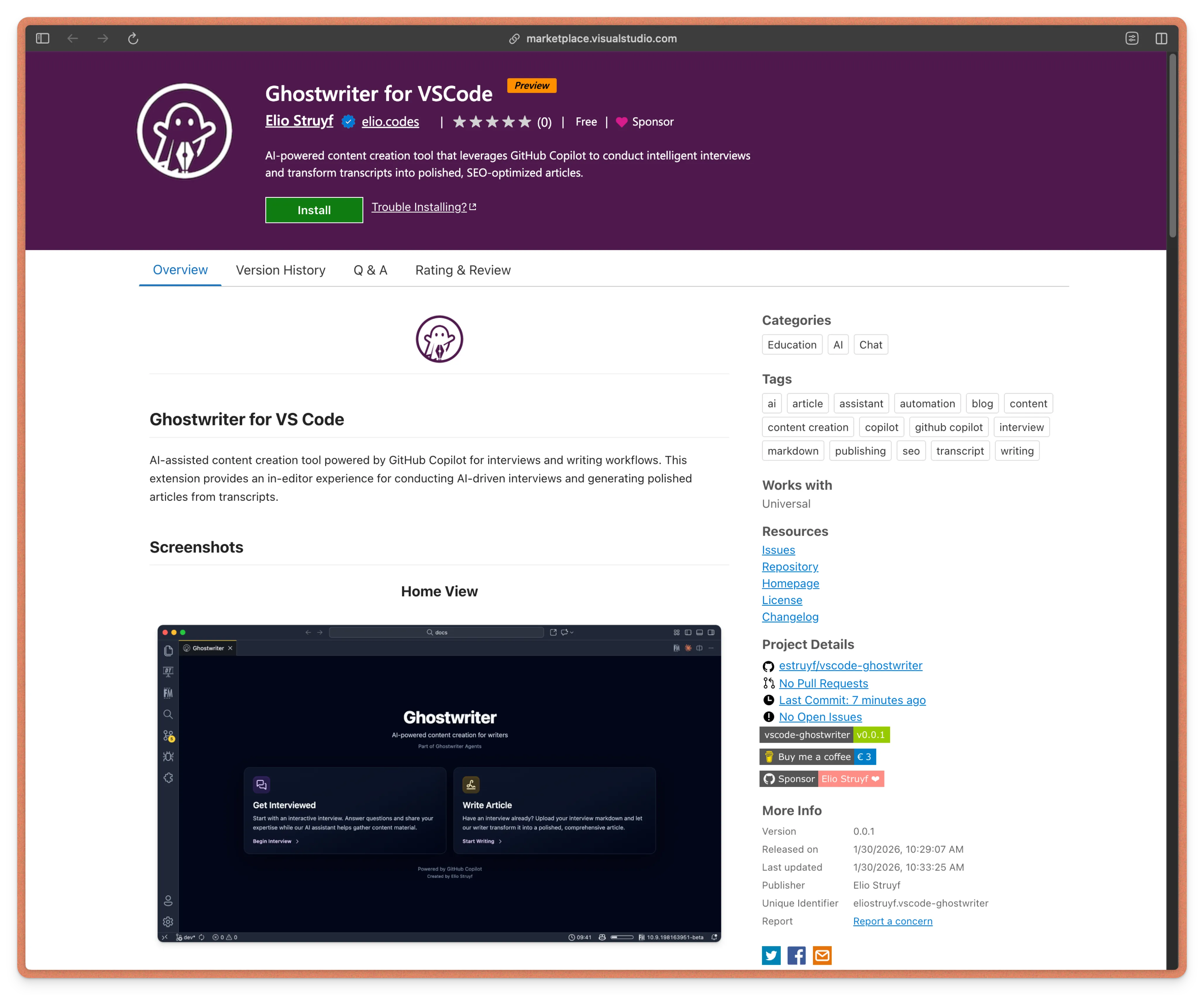
In this post, I want to introduce you to the Ghostwriter for VS Code extension. It brings the concept of “interview-based writing” directly into your favorite editor, leveraging the GitHub Copilot Chat API without needing the CLI or complex SDK setups.
The problem with AI writing
We have all seen that kind of AI content. You know the type of content, it sounds smart but says nothing useful. That’s what you get when AI writes for you instead of with you.
The standard workflow usually looks like this:
- Open ChatGPT or Copilot.
- Type: “Write me a blog post about React hooks.”
- Get a wall of text that sounds like everyone else.
- Spend an hour rewriting it to sound like you.
I wanted to flip this script.
AI-assisted writing works best when it acts as your interviewer, not your ghostwriter.
Enter Ghostwriter for VS Code
The core philosophy behind the entire Ghostwriter ecosystem is simple: You are the expert. The AI’s job is just to get the information out of your head and organize it.
Instead of prompting an AI to generate content from thin air, Ghostwriter facilitates a conversation. It asks you thoughtful questions to draw out your unique insights, experiences, and specific examples. Then, and only then, does it structure those answers into a polished draft.
And now, you can do this right inside VS Code.
How it works
I already integrated similar chat-based functionality into Front Matter CMS, so extending this logic to a dedicated extension felt like a natural progression.
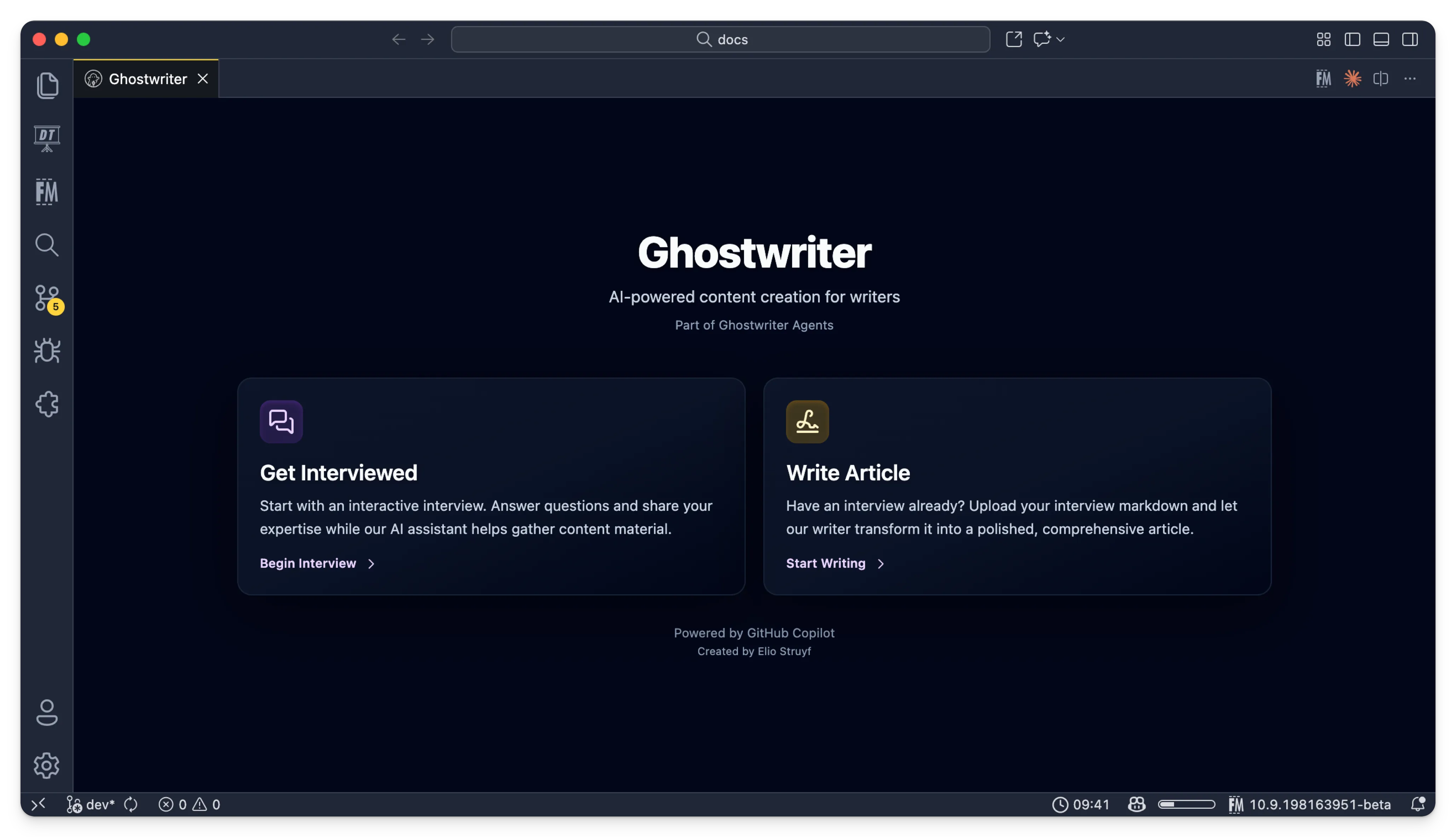
Here is how the workflow looks in practice:
- Open the Extension: You start a new session within VS Code by using the
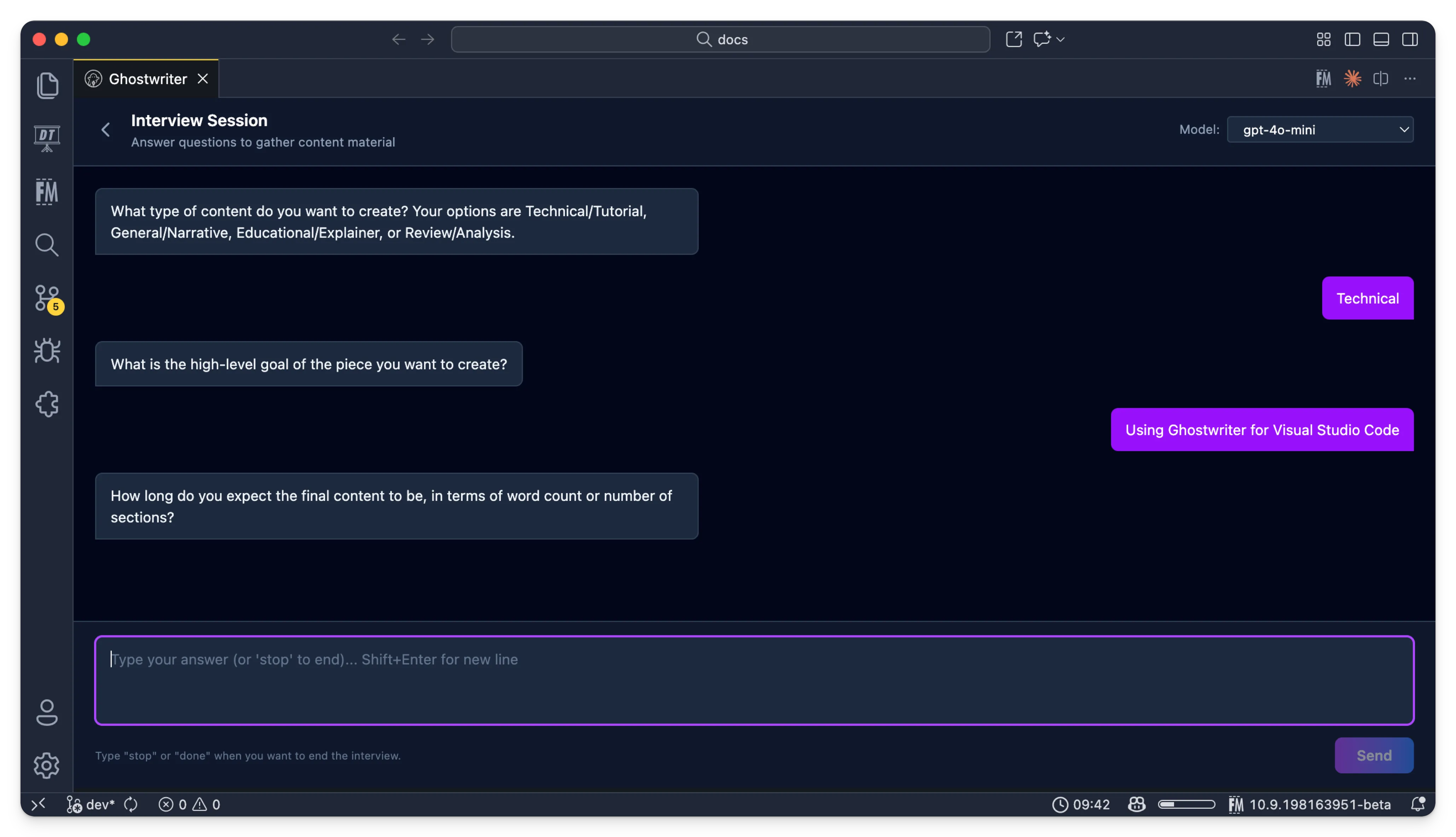
Ghostwriter: Open Ghostwritercommand. - The interview: The extension (powered by GitHub Copilot) starts asking you questions based on the topic you want to cover.
- Your answers: You answer casually, just like you are talking to a colleague. You share your war stories, your code snippets, and your opinions.
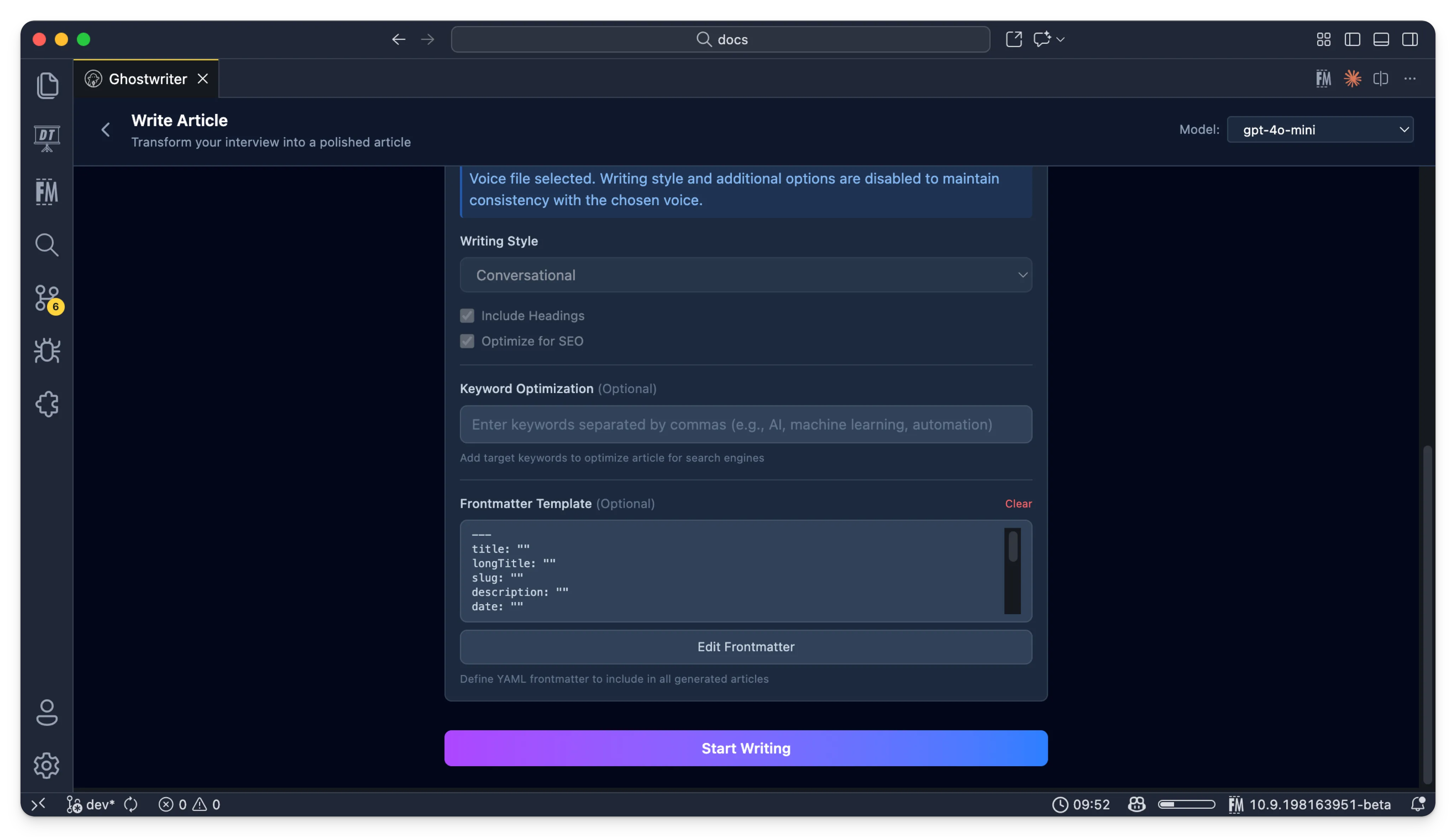
- The writing: Once the interview is done, you can use the transcript to generate a draft blog post, article, or documentation.
The result isn’t a generic AI article; it’s your article, organized by AI. It solves the “blank page” problem without sacrificing authenticity.
The interview process
Writing the draft
Building the extension
Technically, building this was a fun challenge. I wanted to showcase how you can use GitHub Copilot’s capabilities from an extension without actually requiring the heavy lifting of the GitHub Copilot CLI or the full SDK for every little interaction.
By tapping into the chat API provided to VS Code extensions, I could create a lightweight wrapper content creation workflow. It removes the need for you to manually manage agent files or prompts, you just experience the app.
For those interested in the code, or if you want to see how I handled the conversation flow, the project is open-source.
Why this matters
I wrote deeper about the philosophy of “interview-based writing” in a previous post: How I was interviewed by AI to write blog posts.
The gist is this: It is faster than writing everything from scratch, but it is far more genuine than pure AI generation. It captures your voice because the source material is literally your voice.
If you have valuable knowledge to share but struggle to structure it, this tool offers a middle path.
Try it out
The extension is part of a growing ecosystem. If you prefer a standalone experience, you can still check out the experimental Electron App. But for my daily workflow, staying in VS Code is king.
You can install the Ghostwriter extension from the VS Code marketplace.
I am keen to hear what you think. Does being “interviewed” help you write better? Give it a spin and let me know.
Happy writing!
Resources
- Ghostwriter Agents: github.com/estruyf/ghostwriter-agents-ai
- Ghostwriter App (Electron): github.com/estruyf/ghostwriter-app
- Original Article: How I was interviewed by AI to write blog posts
Related articles
From idea to production in under an hour with AI
How I used GitHub Copilot and AI-powered development tools to build a complete VS Code extension stats dashboard from scratch in record time.
Getting interviewed by AI to write better blog posts
Discover how AI interviews can transform your blog writing process, enhancing creativity and structure for better technical content.
VS Code Workspaces for better AI assistant context
Enhance your AI coding assistant's context with VS Code Workspaces for seamless multi-project collaboration and improved code coherence.
Report issues or make changes on GitHub
Found a typo or issue in this article? Visit the GitHub repository to make changes or submit a bug report.
Comments



Let's build together
Manage content in VS Code
Present from VS Code
Engage with your audience throughout the event lifecycle